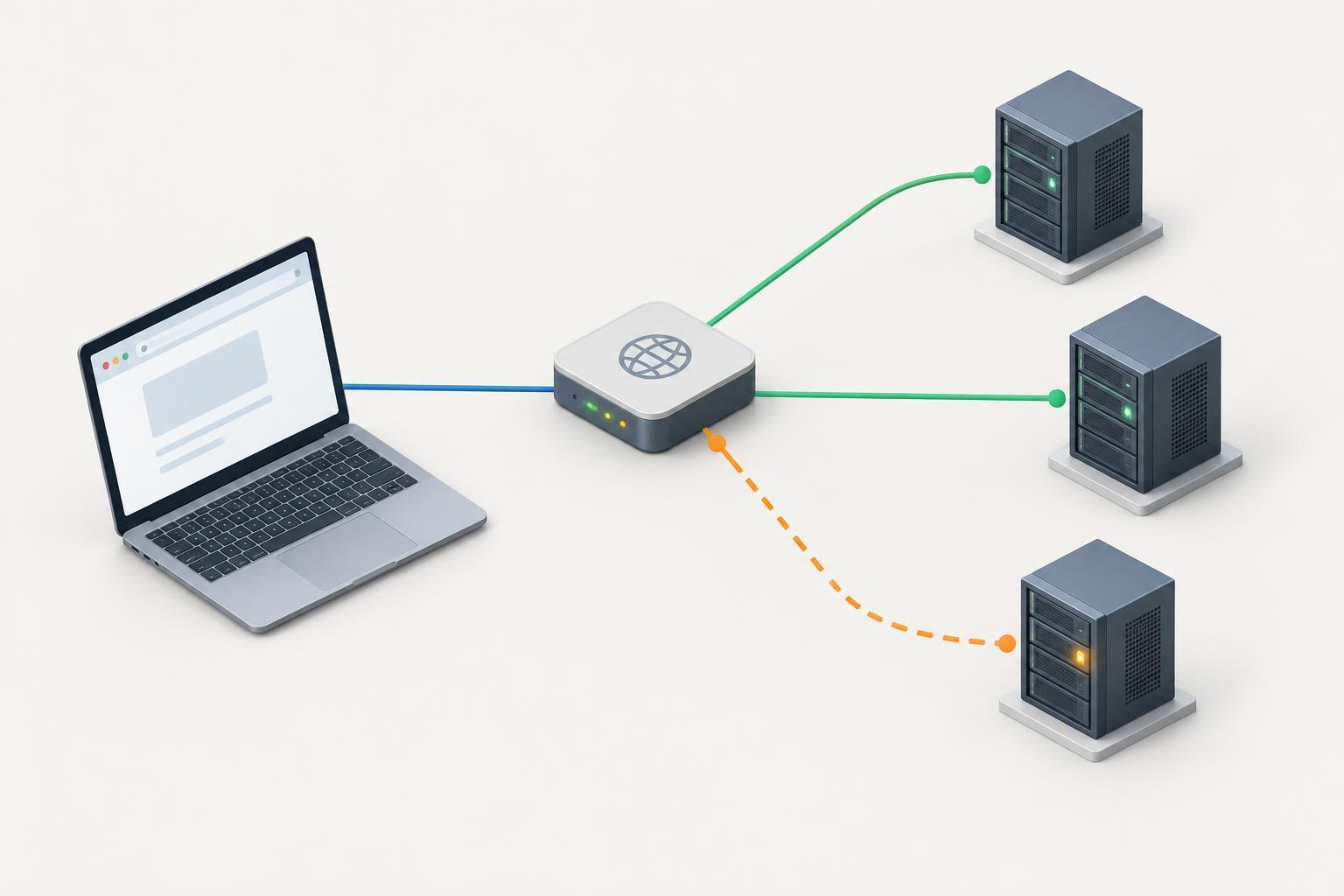
Connectivity TroubleshootingWhen a site loads only sometimes, one of its IPv4 addresses may lead to a failing server. Learn how to list the addresses, test each one while preserving the correct hostname, and distinguish a server fault from DNS caching or another connectivity problem.
Read article · 4 min↗

Connectivity TroubleshootingA domain can point to the right server and still show an HTTPS certificate warning. Learn how to separate DNS problems from certificate, hosting, and local-network issues without ignoring the warning.
Read article · 4 min↗

Connectivity TroubleshootingA domain can resolve successfully while its website still returns an error. Learn what HTTP 404 and 500 responses tell you, how to check whether you reached the intended site, and what to investigate next.
Read article · 4 min↗

Connectivity TroubleshootingA correct DNS answer does not guarantee that a server will serve the correct website. Learn how hostnames, HTTPS settings, proxies and redirects affect what visitors see, then follow a practical troubleshooting sequence.
Read article · 4 min↗

Connectivity TroubleshootingWhen a website opens on mobile data but fails on home Wi-Fi, the difference is a useful troubleshooting clue—not proof that the website or your router is broken. Learn how to narrow the problem down to one device, your home network, DNS, or a particular connection path.
Read article · 4 min↗

Connectivity TroubleshootingA VPN can change which DNS resolver your device uses, which networks it can reach, and whether a private domain name is available. Learn how to compare results safely and narrow down whether the problem is DNS, caching, or connectivity.
Read article · 4 min↗

Connectivity TroubleshootingIf a website works on one computer but not another, a local hosts file may be sending the domain to an unexpected IP address. Learn how to find the file, compare local resolution with DNS, and remove an outdated override safely.
Read article · 4 min↗

Connectivity TroubleshootingA browser with secure DNS enabled may use a different resolver from the one your command-line tool queries. Learn how resolver choice, caches, VPNs, address types and browser behavior can produce different results—and how to compare them safely.
Read article · 4 min↗

Connectivity TroubleshootingWhen a domain works for some visitors but not others, its authoritative nameservers may be serving different answers. Learn how to identify the delegated servers, query each one directly, compare the results, and decide what to check next.
Read article · 4 min↗

Connectivity TroubleshootingA CNAME can point a website name through one or more aliases before DNS reaches an address. Learn how to follow that chain, recognize missing or circular links, and check the fix without confusing DNS failures with web redirects.
Read article · 4 min↗

Connectivity TroubleshootingA website can appear healthy on IPv4 while its IPv6 address leads to timeouts or errors. Use this step-by-step approach to separate DNS problems from client-network, server, firewall, and application issues.
Read article · 4 min↗
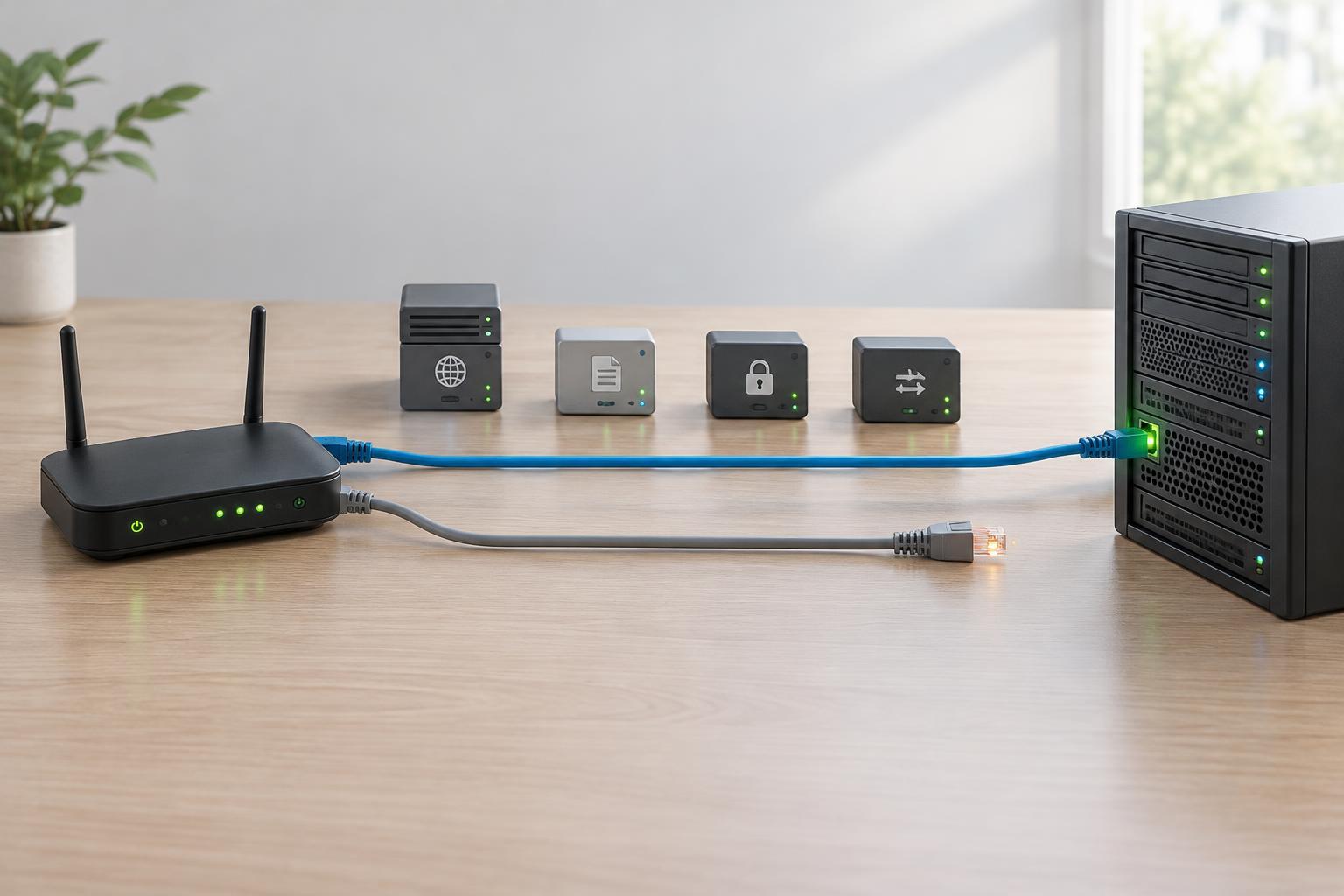

Connectivity TroubleshootingA registrar dashboard can show one set of nameservers while DNS answers appear to come from another. Learn how to check the parent delegation, compare it with authoritative nameserver responses, and narrow down the cause without making unnecessary changes.
Read article · 4 min↗
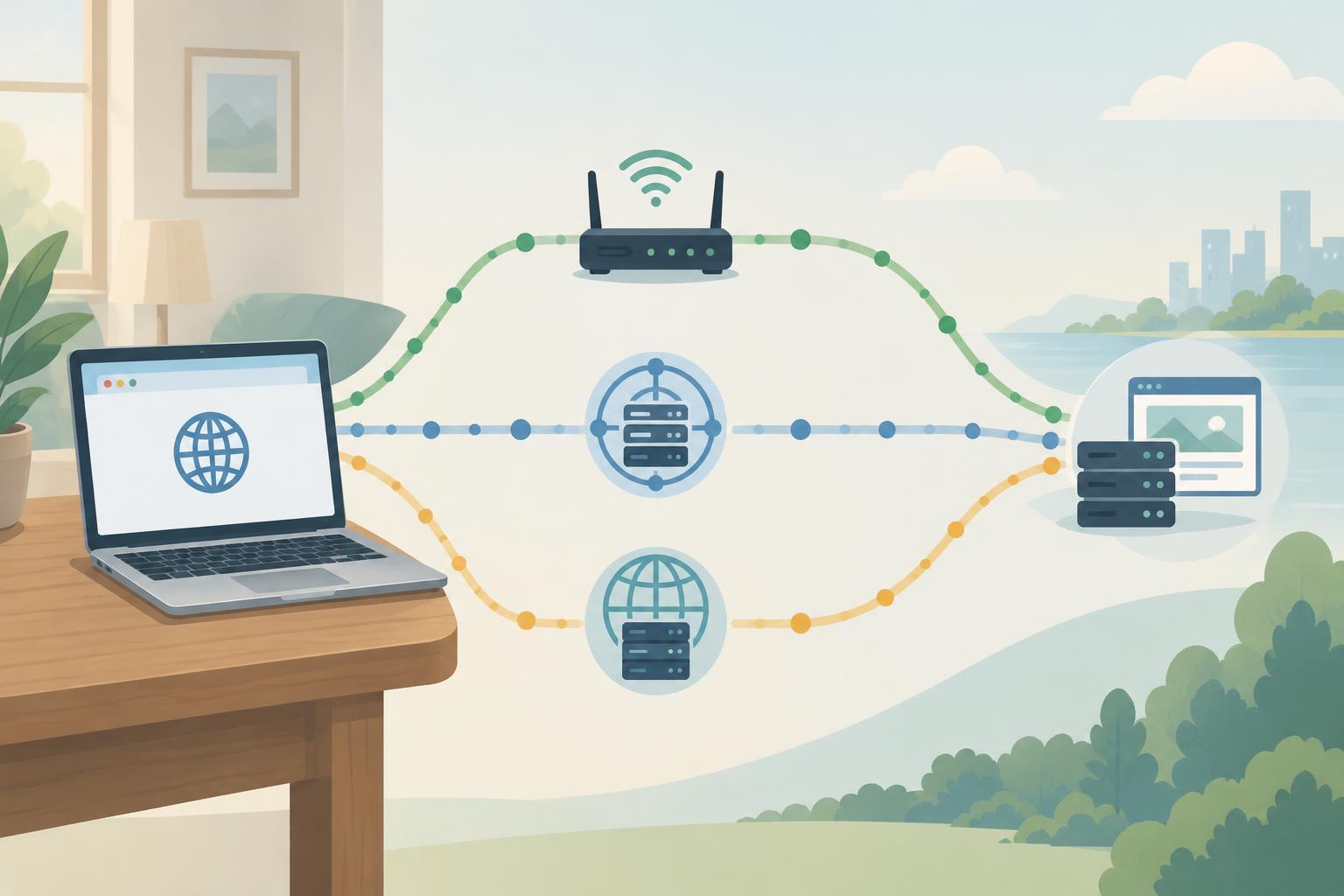
Connectivity TroubleshootingWhen a website works on one network but not another, comparing DNS answers can help narrow down the cause. Learn how to query each resolver, interpret differences, and avoid mistaking normal caching or location-based answers for a fault.
Read article · 4 min↗


Connectivity TroubleshootingA DNS update does not always move every visitor to a new server at once. Learn how to check authoritative records, cached answers, IPv6 addresses, redirects and hosting settings to find what is keeping a site on its old destination.
Read article · 4 min↗

Connectivity TroubleshootingA DNS timeout does not always mean a domain is broken. Learn how to locate the failing step, compare resolvers, check authoritative nameservers, and distinguish network problems from other DNS errors.
Read article · 4 min↗


Connectivity TroubleshootingNXDOMAIN means a DNS resolver could not find the name it queried. If a domain or subdomain should exist, check the exact name, the authoritative DNS configuration, delegation, and cached negative answers before changing records.
Read article · 4 min↗