What a resolver comparison can tell you
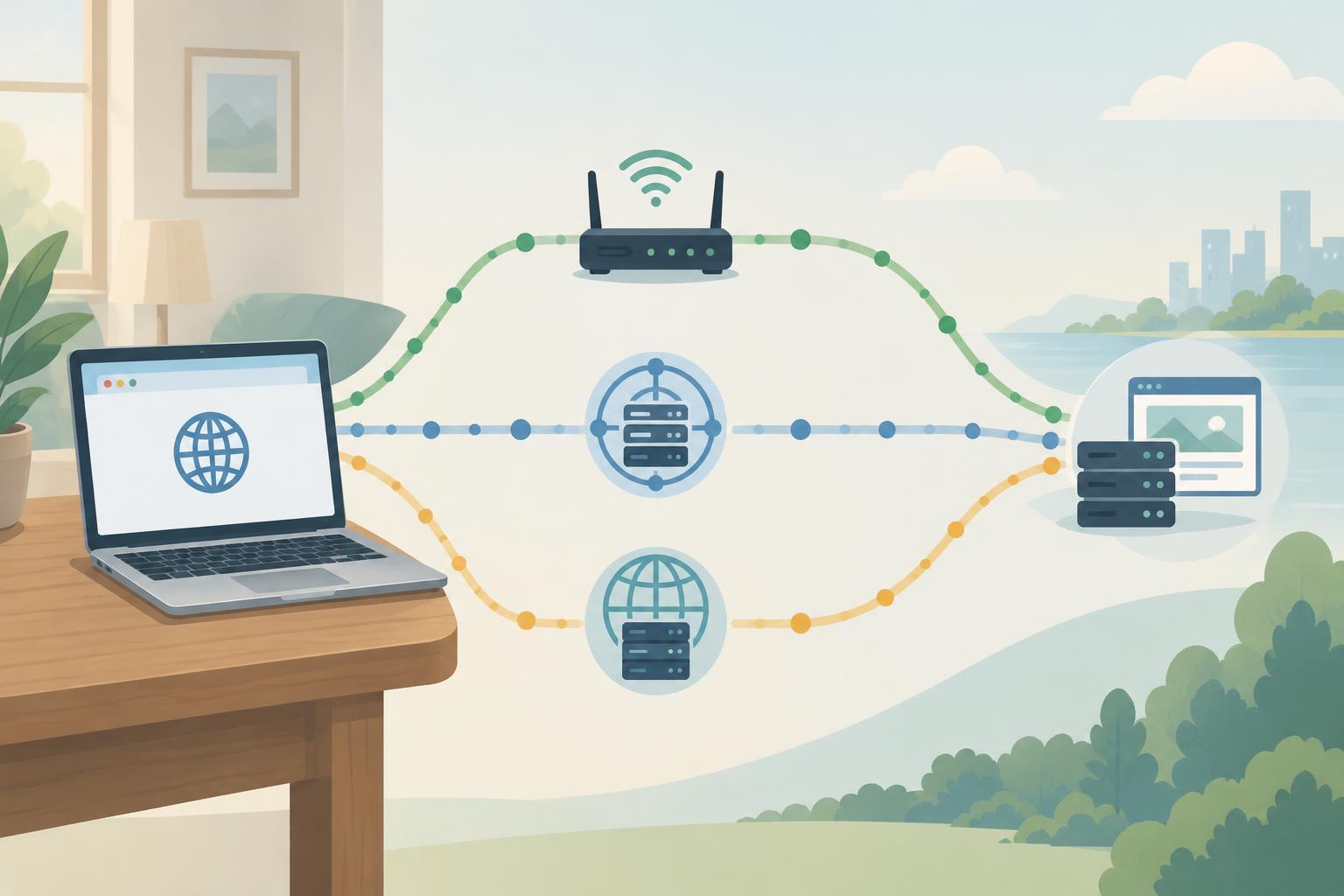
A DNS resolver answers your device’s questions about domain names. Your device may send those questions to your home router, an ISP resolver, or a public resolver you selected. If a website fails to load, asking each resolver the same question can show whether the problem is limited to one path. It is a diagnostic comparison, not a vote in which the majority answer must be correct.
First identify the symptom. A browser error saying it cannot find a name points more directly toward DNS than a page that loads slowly or rejects a connection. Note the exact hostname, such as www.example.com rather than just example.com, and whether the failure affects one device, your whole network, or both mobile data and Wi-Fi. Those details make the results easier to interpret.
Ask the same question each time
Find the DNS servers configured on your device in its network settings. The listed address may be your router’s local address; the router may then forward questions elsewhere. To compare resolvers directly, you also need the address of an ISP resolver you actually use and a public resolver of your choice. Do not assume a resolver’s identity from its address unless you have confirmed it in your network or provider settings.
On systems with dig installed, a query such as dig @RESOLVER_ADDRESS www.example.com A asks a specific resolver for IPv4 address records. Replace RESOLVER_ADDRESS with each server address in turn. Repeat with AAAA for IPv6, and query the exact name that is failing. On systems without dig, nslookup www.example.com RESOLVER_ADDRESS can make a similar comparison. Keep the record type and hostname consistent across tests.
Record the returned answer, whether the response says the name does not exist, and any error or timeout. Dig also displays a time to live, or TTL, indicating how long a returned record may remain cached from that point. If your device uses encrypted DNS in its browser or operating system, command-line queries may not follow the same route as browser traffic. Check those settings before treating a command-line result as proof of what the browser received.
Know which differences are normal
Different IP addresses do not automatically mean that one resolver is broken. Websites may direct users to different servers based on location or network, and a name may have several valid addresses. Routers and resolvers can also hold cached answers from different moments. A change to a DNS record may therefore appear at one resolver before another cached copy expires.
Compare the shape of the answers, not just the IP addresses. Does one resolver return a CNAME pointing to another name while another displays the final address? Does one return an A record but no AAAA record? A missing AAAA record alone is not necessarily a failure: a site can operate over IPv4 without publishing an IPv6 address. By contrast, a consistent “name does not exist” response from one resolver while others return records is worth investigating, especially if it persists beyond the apparent cache lifetime.
Some networks intentionally give different answers for internal names. A router or workplace resolver might know a private hostname that a public resolver cannot. Public resolvers may also answer differently because of filtering or other configured policies. Avoid sharing screenshots or query logs containing internal hostnames if you seek help publicly.
Use the pattern to choose your next step
If only your router’s answer looks unusual, check which upstream DNS servers it uses and whether its DNS forwarding service is working. If the router and ISP resolver agree but a public resolver differs, caching, network-specific routing, or policy could explain the split. If every resolver returns the same expected address but the site still fails, shift attention to connectivity: test whether the device can reach the service, and consider firewall, browser, or server issues.
A timeout means you did not receive an answer from that resolver; it does not mean the domain has no records. Check that the server address is correct and reachable from your network. If you manage the domain, you can also compare resolver results with the domain’s authoritative DNS servers to investigate what is currently published. That is a separate check from what recursive resolvers have cached.
After changing a DNS setting, repeat the same queries and give caches time to expire rather than repeatedly changing several settings at once. Keep a brief note of the hostname, record type, resolver, result, and approximate test time. That small record helps you distinguish a temporary difference from a persistent fault—and helps you explain the problem without exposing passwords, account details, or private network names.


