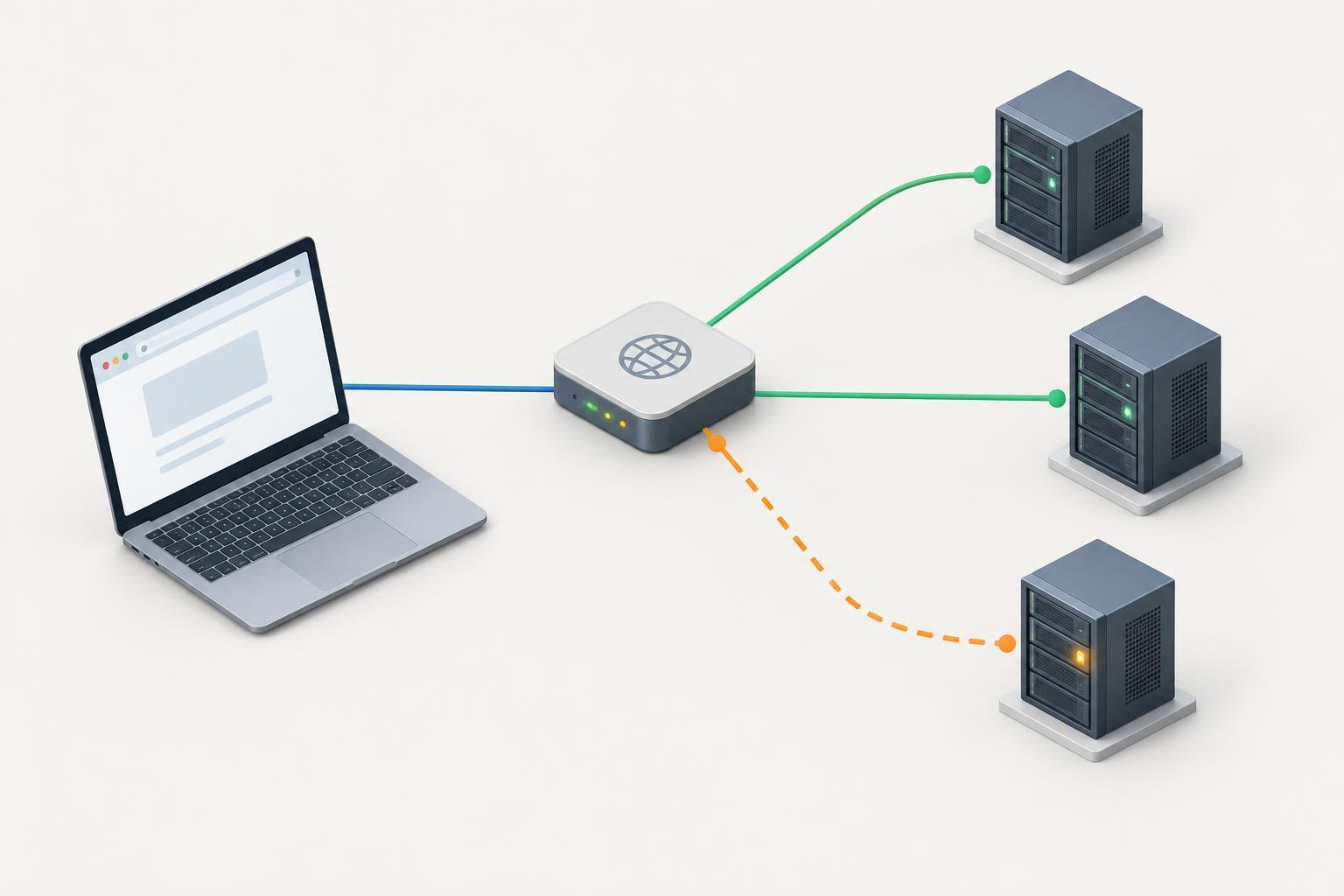
Why one hostname can produce different results
A hostname can have multiple A records, each pointing to an IPv4 address. Different visitors—or repeated requests from the same visitor—may reach different addresses. If one destination is unhealthy, the site may appear to work on one attempt and fail on another. This is a useful hypothesis, not a diagnosis: intermittent loading can also come from a CDN, a load balancer, an application fault, or a visitor’s network.
Begin by recording exactly what fails. Does the browser show a connection error, a certificate warning, a timeout, or an HTTP error page? Does the problem affect the whole site or only a particular path? Note the hostname as well: www.example.com and example.com may have different DNS records and different server configurations. Keeping those details consistent makes later tests easier to compare.
List the addresses you need to test
Look up the A records for the failing hostname with a DNS lookup tool, such as dig www.example.com A. Record every returned IPv4 address, including addresses that appear only when you repeat the lookup. A different order does not by itself indicate a problem. Your resolver may cache answers, and DNS responses can vary depending on how the domain is configured.
If you manage the domain, compare the answers with its configured records. If the hostname also has AAAA records, check those separately: an IPv6 connection could be responsible even if every A-record destination works. Likewise, a hostname served through a CDN may return addresses for the CDN rather than the individual servers behind it. Test the addresses users actually receive, but do not assume they identify your origin servers.
Test each address without changing the hostname
Opening an IP address directly in a browser is often misleading. An HTTPS server uses the hostname to select a certificate, and a web server may use it to select the right site. Instead, direct a request to one IP while keeping the normal URL. For example, run curl -I --connect-timeout 5 --resolve 'www.example.com:443:192.0.2.10' https://www.example.com/ and repeat with each A-record address. The example address is only a placeholder; substitute an address from your lookup.
This test asks curl to connect to the chosen IP for that hostname and port while still requesting www.example.com over HTTPS. If the affected page behaves differently from the home page, test its URL too. A HEAD request made with -I may not behave like a normal page request on every site; if its result is unclear, try a regular request without -I and compare the status and error message. Avoid including passwords, session cookies, or private URLs when sharing test output.
Compare repeated results, not just one attempt
Run the same test several times for each address and note the time, IP, response status, and any connection or TLS error. One consistently failing IP beside consistently working ones is strong evidence that requests reaching that destination need investigation. A slow response from every IP, or failures that shift between them, points toward a broader issue. If possible, repeat from another network to see whether the pattern depends on where the request originates.
Be careful about what an IP represents. It might lead to a load balancer that sends successive requests to different backends. In that case, mixed results while pinned to one IP do not prove the IP itself is failing. Server-side access and error logs, health checks, and load-balancer logs can help connect a failed request to the component that handled it. Use timestamps to correlate tests, and share only the information needed for troubleshooting.
Fix the cause and verify recovery
If the failing address belongs to a server you operate, check whether it is accepting connections and serving the correct hostname, certificate, and application. Repairing the server is usually preferable when it should remain in service. If it must be taken out of service, remove or replace its DNS record using the domain’s normal change process. A DNS edit may not take effect for every visitor immediately because resolvers can retain cached answers.
After a repair or record change, repeat the per-address tests and then test the hostname normally from more than one network. Confirm that both the failing path and the main page work as expected. If all A-record destinations pass but visitors still report intermittent failures, continue investigating IPv6, CDN or load-balancer behavior, and application errors rather than assuming the A records are the cause.


