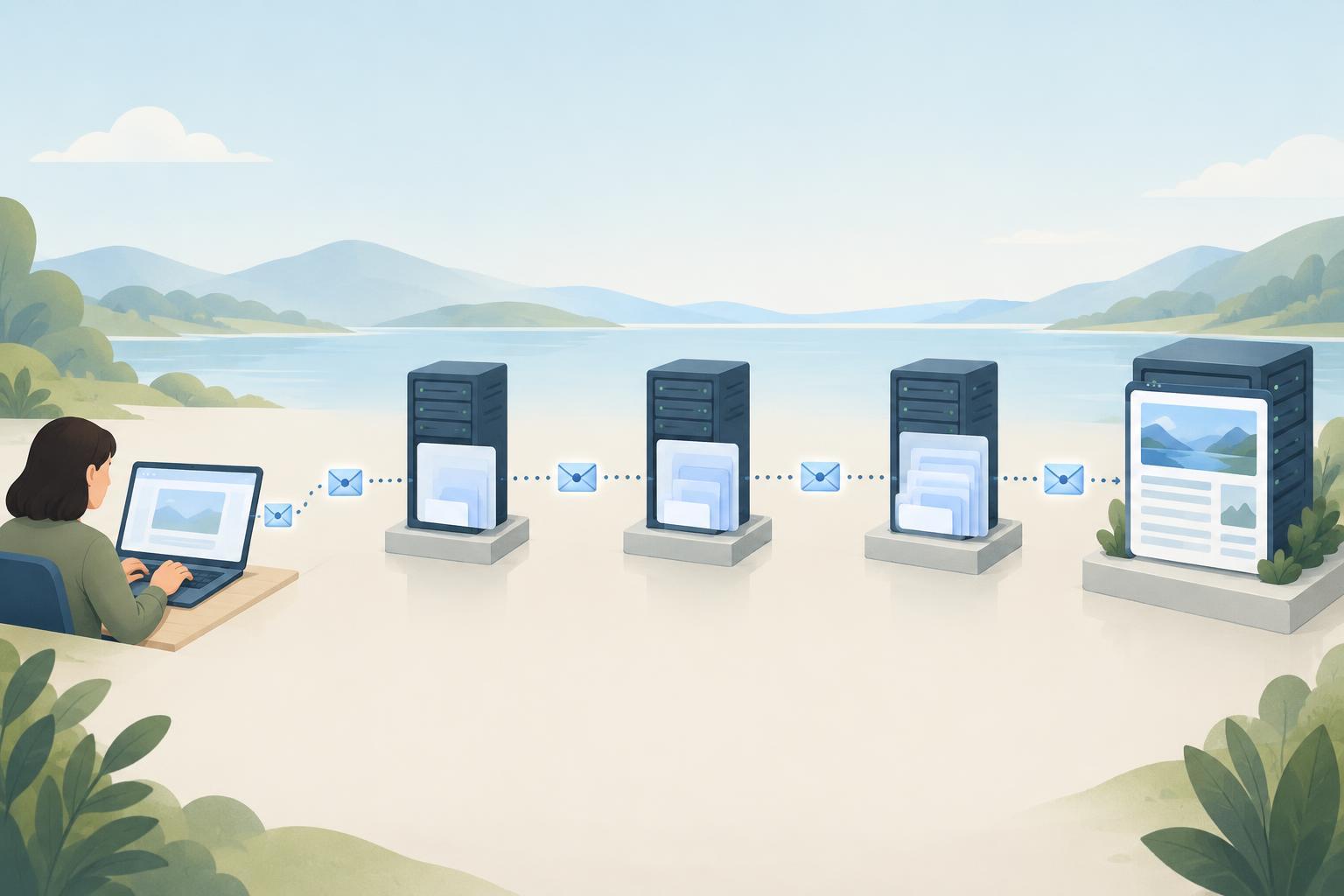
What a zone transfer does
A DNS zone is the set of records managed together for a portion of the domain name system. If you operate a primary authoritative DNS server and one or more secondary servers, those servers need a way to keep their copies aligned. A full zone transfer, called AXFR, sends the zone’s records from one server to another. Incremental transfers, called IXFR, can send changes instead of a full copy when both servers support them.
That exchange is useful when it is limited to the servers responsible for the zone. Trouble arises when an authoritative server accepts a transfer request from anyone on the internet. A requester may then receive a ready-made list of names and records rather than having to look up individual names. A zone transfer is not how ordinary visitors load your website; blocking unauthorized transfers should not prevent normal DNS answers.
Why an inventory can be revealing
Many individual DNS records are meant to be publicly answerable. An open transfer does not necessarily reveal secret data, but it can make a broad collection of records easy to obtain at once. Names such as staging, old-service, or regional labels may suggest how systems are organized. Address records can identify hosts or providers, while MX and other email-related records can show parts of a mail setup. The significance depends on what the zone contains.
A DNS name is not proof that a service exists, remains active, or is vulnerable. Still, an inventory can help someone choose what to investigate next. Records for retired systems may be especially confusing: they can point to an address that has changed hands or describe a service that no longer operates. Reviewing those records is worthwhile independently of transfer settings.
A public zone should not contain passwords, private keys, or other credentials. Restricting transfers is no substitute for removing sensitive material from DNS. Conversely, the fact that a name appears in a public zone does not make unrestricted bulk access desirable. The goal is to provide the answers DNS users need without offering an unnecessary export of the zone.
Where an open transfer can come from
A server may allow transfers by default, use an overly broad access rule, or retain permission for an old secondary server. Changes in hosting can leave inconsistent settings across authoritative servers. It is also possible to secure a primary server while overlooking a secondary that can serve transfers onward. A restriction is only as effective as its application across the servers that answer for the zone.
Organizations sometimes use a DNS provider that does not expose traditional zone-transfer settings in its dashboard. In that case, the provider may handle replication internally, or it may offer transfers only through a particular service. Avoid assuming that the absence of a setting proves either that transfers are open or that they are closed. Check the provider’s documentation or ask its support team how external transfer requests are handled.
How to check without exposing your records
If you manage the domain, start by identifying every authoritative name server listed for the zone. From an external network you control, test whether each server accepts an AXFR request for that zone. Include any relevant IPv4 and IPv6 paths. An authorized secondary may be able to transfer the zone while your external test is refused; that is often the intended result. Keep the test results private, because a successful response may itself contain the inventory you are trying to protect.
Test only zones you own or have permission to assess. A refused request shows that the tested server did not provide a transfer under those conditions; it does not establish that every server, network path, or permission rule is correct. If you find an unexpected successful transfer, first confirm which server answered and who manages it. Then review the transfer policy rather than immediately changing settings that legitimate secondary DNS may rely on.
Restrict transfers while preserving reliable DNS
Permit transfers only to the secondary servers that need them. Depending on your DNS software and provider, controls may include a list of permitted source addresses and transaction signatures such as TSIG, which authenticate exchanges between configured servers. Address rules need maintenance when secondary servers change; shared signing keys need careful storage and rotation. Use the controls your provider supports and verify that each authorized secondary continues receiving updates.
After a change, check both sides of the outcome: unauthorized requests should fail, and legitimate secondary servers should serve current records. Periodically review name-server assignments, permitted transfer partners, and the records in the zone. DNSSEC, if enabled, helps validate DNS answers but does not by itself restrict zone transfers. Treat transfer permissions and record hygiene as separate parts of a practical DNS security routine.