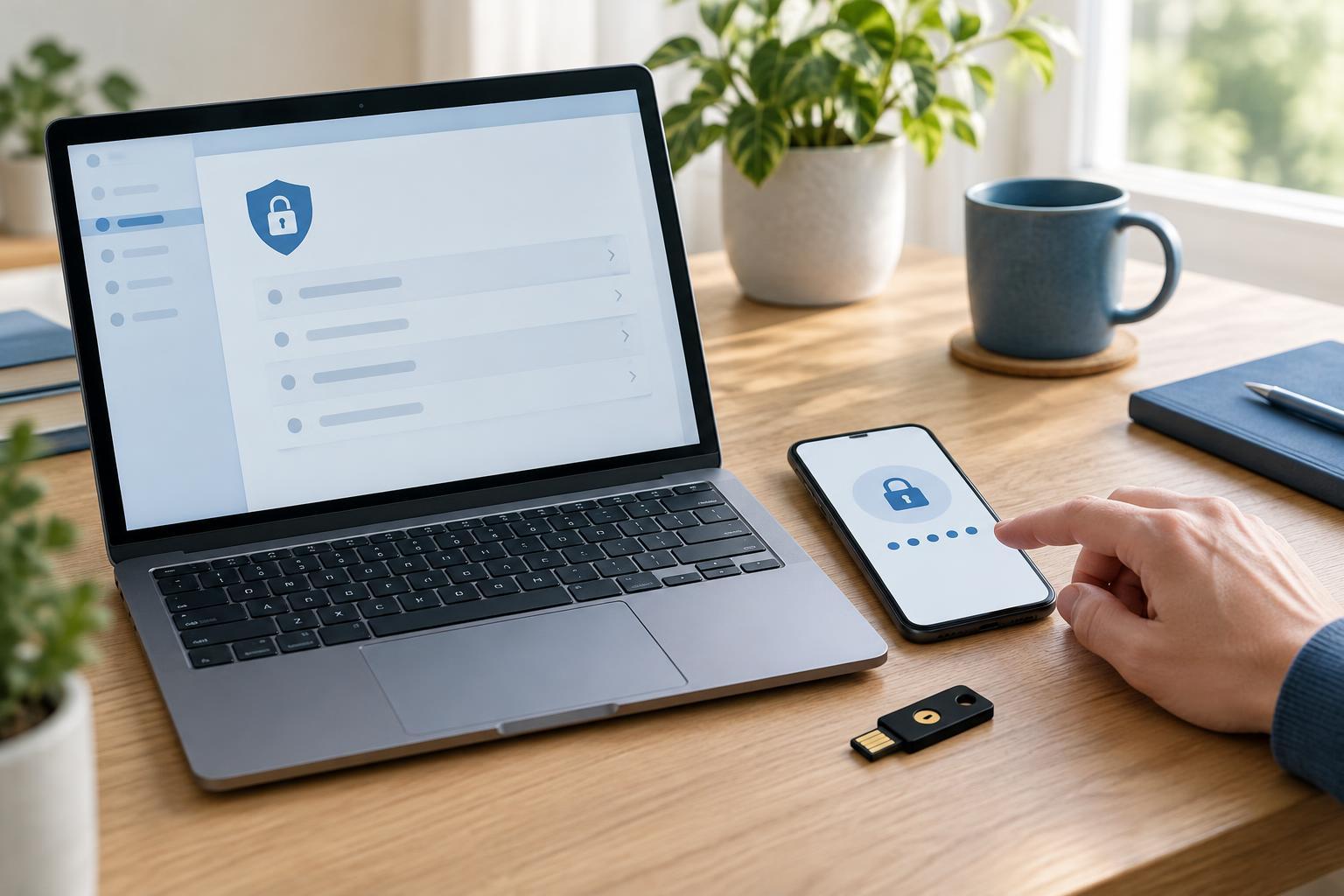
Why your registrar account deserves extra protection
Your domain registrar account is where you manage a domain’s registration and, often, its nameservers. Someone who gains control of that account may be able to change where the domain points, interrupt a website or email service, or attempt to move the domain. The exact options depend on your registrar and how your domain is configured, but the account is important even if you rarely sign in.
Multifactor authentication, or MFA, adds a second check when someone signs in. Instead of relying only on a password, the account asks for another factor, such as a code from an authenticator app or approval through a security key. MFA cannot prevent every kind of account takeover, but it can make a stolen password less useful. It works best alongside a unique password and carefully protected recovery settings.
Choose an MFA method you can maintain
Start by reviewing the sign-in methods your registrar offers. A passkey or hardware security key can be a strong choice when supported, particularly when you use it through the registrar’s genuine sign-in page. An authenticator app that generates time-based codes is another practical option. SMS codes are generally better than having no second factor, but they can depend on continued access to a phone number and may be more vulnerable to account or number-transfer problems.
Choose a method you can use reliably, not just the one that sounds strongest. If you use a physical key, consider registering a spare where the registrar allows it. If you use an authenticator app, understand how you will restore access if you replace or lose your phone. Before enabling MFA, check which methods the registrar permits for recovery and whether adding more than one method weakens the protection you intend to set up.
Enable MFA without creating a lockout risk
Sign in by navigating to your registrar through a bookmark or an address you have checked, rather than following an unexpected message. Open the account security settings, select your chosen MFA method, and follow the registrar’s enrollment steps. You may be asked to scan a setup code, register a key, or confirm a phone number. Never send setup codes, one-time sign-in codes, or recovery codes to someone claiming to provide support.
Once enrollment is complete, test a fresh sign-in using a separate browser session before signing out everywhere. If the registrar supplies one-time recovery codes, save them in a secure place separate from the device you normally use to sign in. A reputable password manager or another access-controlled storage method may be suitable; an unprotected screenshot or shared document is not. Record enough information to know which account the codes belong to, without making the codes visible to other users.
Protect the paths around MFA
MFA is only one part of registrar security. Use a long, unique password for the registrar, and secure the email account associated with it. That inbox may receive password resets, transfer notices, and alerts about account changes. Give it strong authentication too, and keep its recovery information current.
Review who can access the registrar account. Where the service offers individual users and limited roles, give each person their own login and only the permissions they need. Avoid sharing a single password or a collection of recovery codes across a team. Remove access when someone no longer manages the domain.
Also check related domain protections. A domain or transfer lock, where available, can help guard against unwanted transfers, but it is not a replacement for MFA. DNS hosting may be managed through the registrar or a separate provider; if it is separate, protect that account as well. Changing a registrar password alone does not secure an independently managed DNS account.
Make account checks a routine
Keep your registrar’s contact details and MFA methods up to date when people, devices, or phone numbers change. Periodically review the domains in the account, nameserver settings, authorized users, and any security notifications the registrar provides. If a change is unfamiliar, verify it from within the account or through a support channel you reached independently, rather than replying to the notification.
If you lose access to your second factor, use the registrar’s documented recovery process and your stored recovery codes. If you suspect someone else has accessed the account, change credentials from a trusted device, review recent account and domain changes, and contact the registrar through its official support route. Planning for both everyday sign-ins and exceptional recovery makes MFA more likely to remain useful when your domain needs it most.


