
Email DNSA missing MX record does not necessarily mean a domain cannot receive email. Learn how the fallback to address records works, what a null MX record signals, and how to check which setup fits a domain that does not accept mail.
Read article · 4 min↗

Email DNSMoving a domain’s email to a new provider involves more than changing its MX records. Plan the overlap, prepare sending records, check the published DNS, and keep the old mailbox available while delivery settles.
Read article · 4 min↗

Email DNSLearn how DNS SRV records can help mail clients locate outgoing submission and incoming IMAP servers, what the records contain, and why clients may still need additional setup.
Read article · 4 min↗

Email DNSDANE lets a sending mail server use DNSSEC-validated TLSA records to check the TLS certificate presented by a destination SMTP server. Learn when that protection applies, how MX and TLSA records work together, and what to check before publishing a record.
Read article · 3 min↗
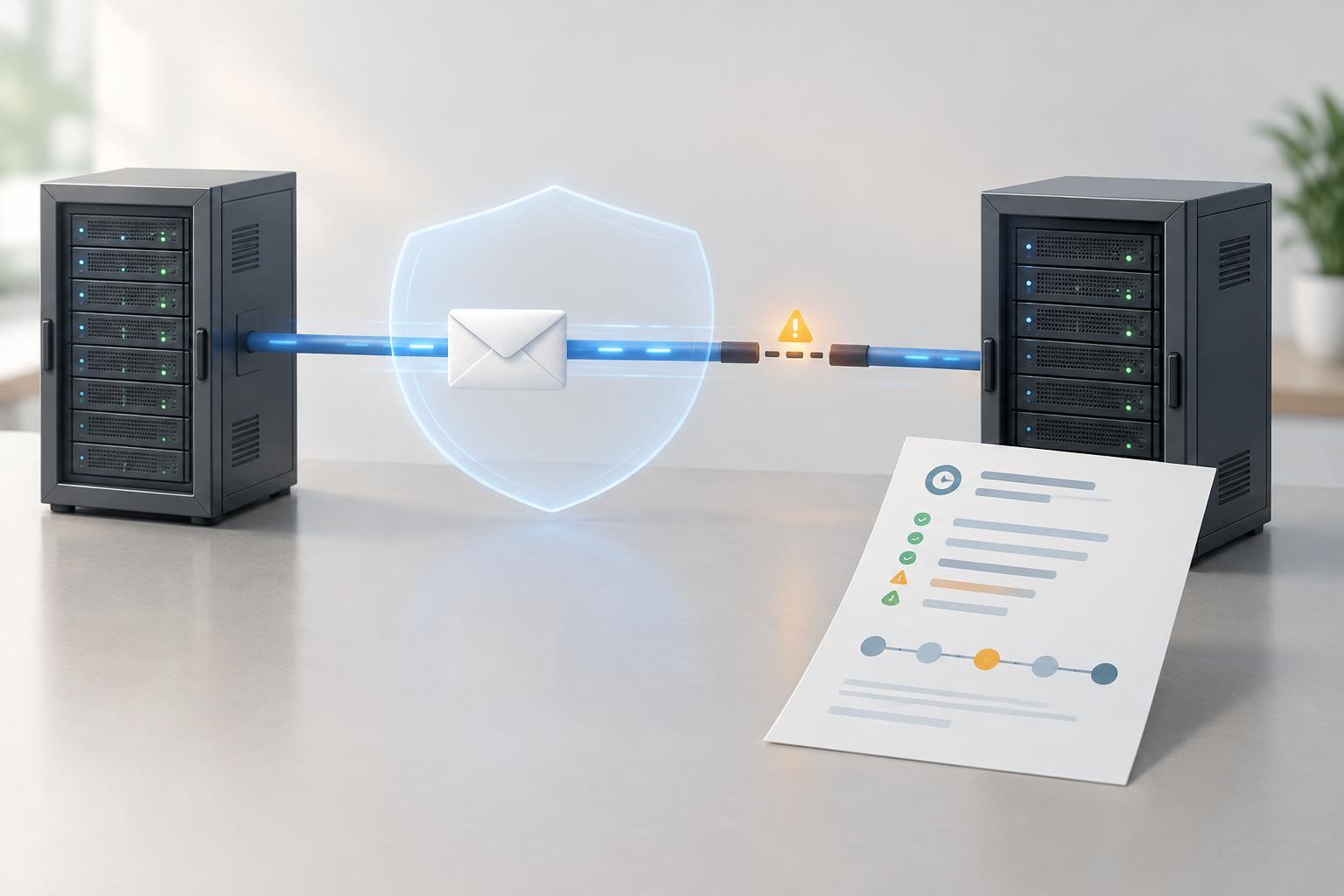
Email DNSSMTP TLS reporting gives a domain owner a way to receive reports about problems senders encounter when trying to deliver mail securely. Learn what the DNS record does, how to read the reports, and what they cannot tell you.
Read article · 4 min↗

Email DNSMTA-STS lets a mail domain publish rules for how supporting senders connect to its mail servers. Learn how the DNS record points to a policy, where to host the HTTPS file, and how its MX entries must match your receiving mail servers.
Read article · 4 min↗

Email DNSA custom return-path domain gives an email service a domain under your control to use for bounce handling. Learn how it relates to the visible From address, SPF, DMARC alignment, and the DNS records your provider may require.
Read article · 4 min↗

Email DNSReverse DNS gives an outgoing mail server’s IP address a hostname. Forward-confirmed reverse DNS checks whether that hostname points back to the IP. Learn what these checks tell receiving servers, how to configure them, and where they fit alongside other email authentication records.
Read article · 4 min↗

Email DNSA provider’s domain-verification TXT record proves that you control a domain. SPF, DKIM and DMARC serve a different purpose: they help receiving mail systems evaluate messages sent using that domain. Learn how to tell these DNS records apart, place them correctly and troubleshoot them without disrupting email.
Read article · 4 min↗

Email DNSAn email can be legitimate and still fail an authentication check after it is forwarded or redistributed by a mailing list. Learn what changes along the way, why DMARC alignment matters, and how to troubleshoot without weakening your domain’s protections.
Read article · 4 min↗

Email DNSA DMARC record at an organizational domain can set a separate policy for its subdomains. Learn when the sp tag applies, when a subdomain’s own record takes precedence, and how to plan a rollout without overlooking legitimate mail.
Read article · 4 min↗

Email DNSDMARC aggregate reports can reveal which services send mail using your domain and whether that mail passes authentication. Learn how to read the key fields, investigate unfamiliar senders, and avoid mistaking a failed check for proof of abuse.
Read article · 4 min↗

Email DNSAn email can pass SPF or DKIM and still fail DMARC. The difference is alignment: DMARC checks whether a passing authentication result belongs to the domain readers see in the message’s From address. Learn how alignment works and what to check when legitimate mail fails.
Read article · 4 min↗

Email DNSA practical guide to moving a domain from DMARC monitoring toward enforcement. Learn what to check in aggregate reports, how to fix legitimate mail, and when to consider quarantine or reject.
Read article · 4 min↗

Email DNSDKIM rotation works best as an overlap, not a sudden replacement. Publish a new selector, switch signing to it, and keep the old public key available long enough for delayed or later-checked messages to verify.
Read article · 4 min↗


Email DNSSPF helps receiving mail servers check which systems may send mail for a domain. Learn why separate SPF policies cause errors, how to merge authorized senders into one TXT record, and what to check before changing your policy.
Read article · 4 min↗

Email DNSEach new email service may add another SPF include, but the ten-lookup limit applies to the path a receiving server evaluates—not simply the number of entries you see. Learn how to audit senders, simplify SPF, and use separate sending subdomains where appropriate.
Read article · 4 min↗

Email DNSAn SPF record lists which systems may send mail for a domain. Learn how to read five common mechanisms, what their qualifiers mean, and how to avoid common mistakes when reviewing a record.
Read article · 4 min↗

Email DNSMX records direct incoming mail, but they do not authorize outgoing mail. Learn how MX, SPF, DKIM, DMARC and related DNS records serve different parts of email delivery.
Read article · 4 min↗

Email DNSAn MX record tells sending mail servers which host accepts email for a domain. Learn why its target should resolve directly to an address, how a CNAME alias can disrupt delivery, and how to check an MX setup safely.
Read article · 4 min↗

Email DNSMX records tell sending mail servers which hosts accept email for a domain. Learn how to read an MX record, what its priority number controls, and how to check a setup without confusing incoming mail with other email DNS settings.
Read article · 4 min↗